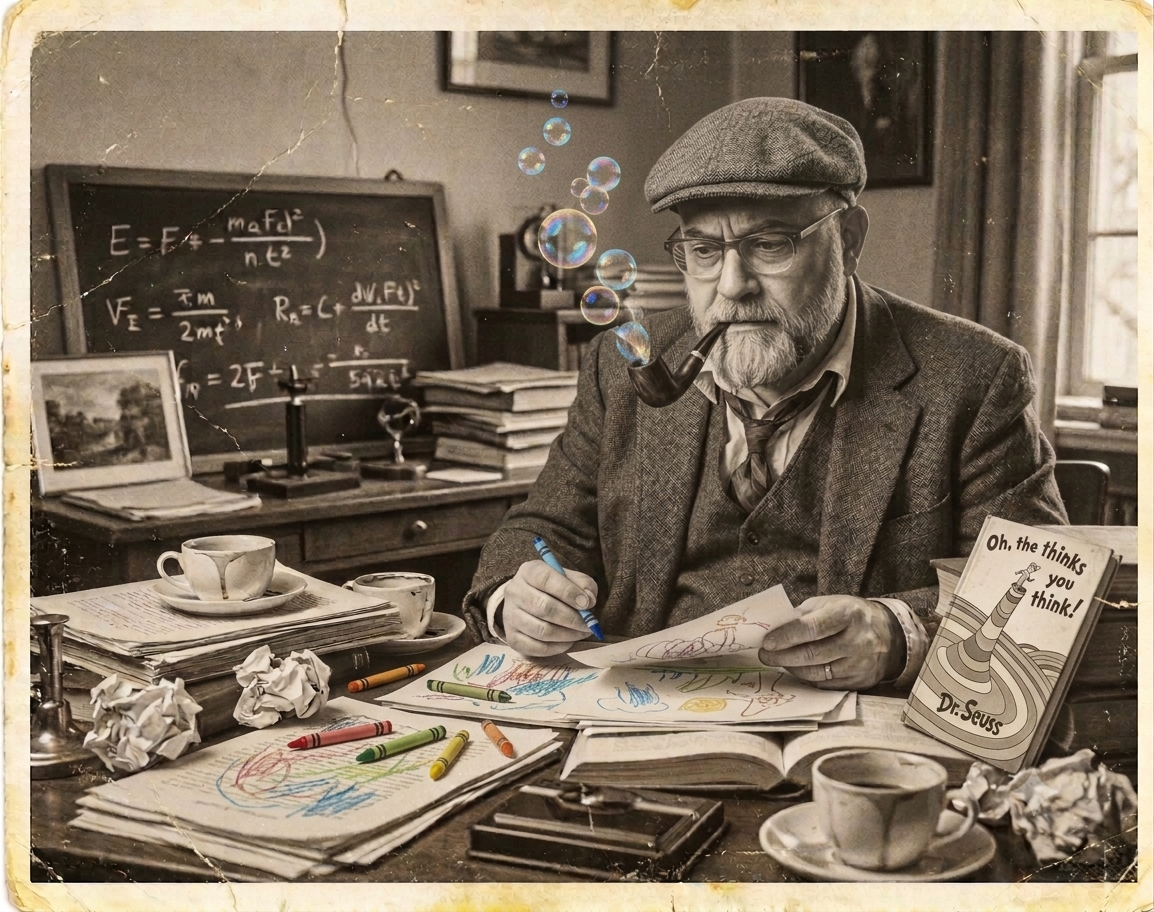
“Think left and think right and think low and think high. Oh, the thinks you can think up if only you try!”
Oh, the Thinks You Can Think! by Dr. Seuss
For a long time, the gap between having a wild idea and actually building it was huge. There were many hurtles, your only real hope was a room full of collaborators, endless hours, and almost always some real coin. As AI has matured, that friction is evaporating. It feels like stepping back into the days of when I was running a coworking space in downtown Elizabethtown Ky. Back then it was so exciting how a random thought over coffee could turn into a real something by the end of the day.
I’ve always had a head full of ideas. In the last year or so there has been a sea change. What changed with AI isn’t just speed, it’s agency. The distance between a “what if” and a working project is suddenly reachable. It has brought back that electric, creative energy. It still takes effort and real persistance to make it right.
Below are a few of those “thinks” that made it out of my skull and into the world. Used to, when I was young, I was out to make it big….always looking for my big homerun. These days I just want to create just for the simple pleasure, privilege and maybe even responsibility to improve and create….to make the most with what I have been given.
Some of these things are teaching myself how to do it, proof of concept, ongoing or have ended. Everything here is free as I can make it. I hope some of it may be useful/enjoyable for you.
Thank you for your time,
– Jack Daniel
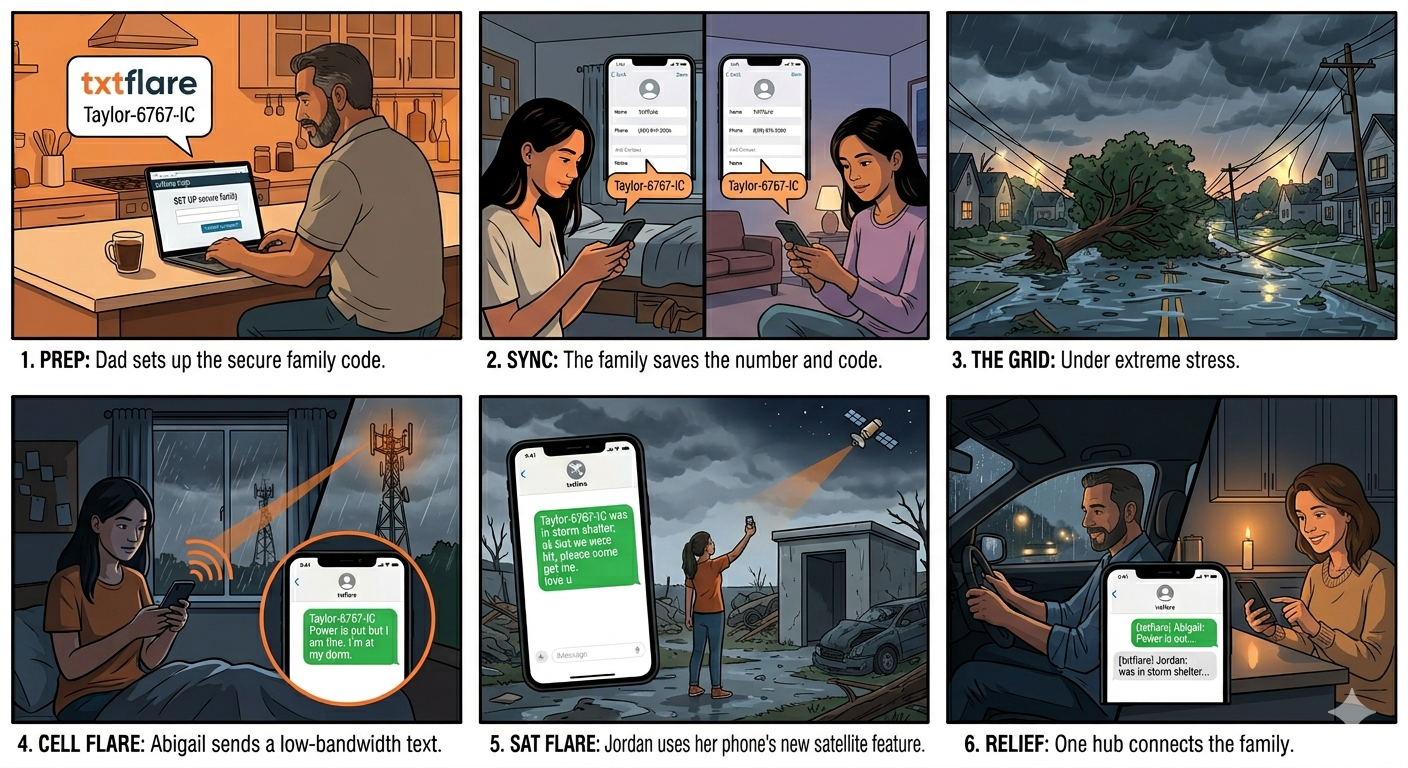
txtflare: Emergency Texting Service
**CURRENTLY AWAITING VERIFICATION FROM THE FOLKS WITH TELECOM**
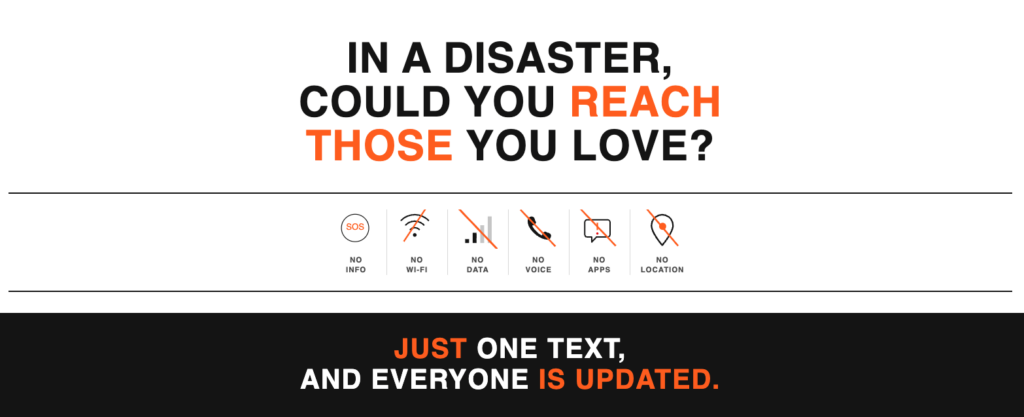
To use: https://txtflare.help
More info: https://txtflare.help/about.php
Hey Steve – USB Drive Bulk Cloning Terminal Tool.
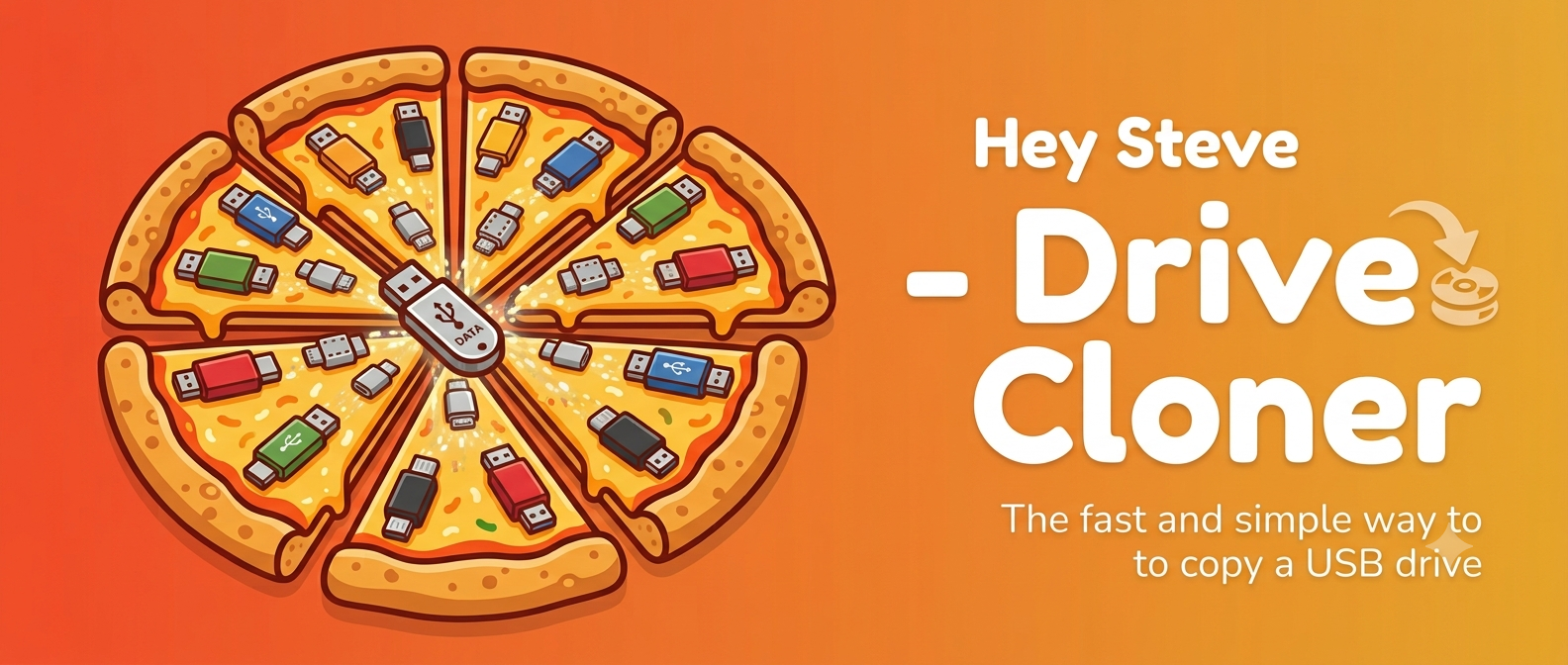
Hey Steve — Drive Cloner
Because making a 100 duplicate thumb drives by hand is nobody’s idea of a good time…We give these out at events so Claude and I made this little handy Terminal Script.
Hey Steve copies one folder onto as many USB drives as you’ve got. Plug them in, check the ones you want off a list, type CLONE, and walk away. For each drive it:
- Erases and reformats it (exFAT — works on Mac and Windows)
- Gives it the name you choose
- Copies your files over
- Verifies every file arrived
- Ejects it, ready to pull out
You get a running progress display and a log of every drive when you’re done.
Free, no account, no internet required. Works on any Mac.
Heads up: Hey Steve runs in a Terminal window — but you won’t type any commands. Pop-up windows walk you through every step.
⚠️ Hey Steve permanently erases the drives you select. It shows you exactly which ones — with names and sizes — and waits for you to confirm before anything happens.
Unzip and open “READ ME FIRST” — there’s a one-minute setup the first time you run it.
Free and open source. Hey Steve is provided free of charge, as-is, with no warranty of any kind. It permanently erases the drives you select — you are responsible for choosing the right ones and for backing up anything you care about. The author isn't liable for lost data, damaged drives, or any other loss arising from its use. Use at your own risk.
App Download
YouTube/Podcasts
The Plodder’s Podcast
No Bells, No Whistles
REO Roundup